
Use this private browser worksheet to record your current CPU, GPU, RAM, storage type and free space. It saves only on this device and makes no compatibility, FPS or upgrade recommendation because official Nodusfall PC requirements have not been announced.
On this page
Record your PC hardware
Enter only what you know. This tool does not scan your computer, upload a diagnostic file, predict FPS, or decide whether Nodusfall will run.
How to find the fields without uploading a diagnostic file
In Windows, open Settings → System → About to read the device specifications, including the processor and installed RAM. Open Settings → System → Storage to see available space. Windows may show the display adapter under Settings → System → Display → Advanced display; Device Manager or the graphics vendor control panel can provide the exact GPU model.
Type only the label shown by Windows. A short model record is enough. Do not paste a full DxDiag report, device name, serial number, account name, product key, IP address or other identifier into this worksheet.
How to compare your record after official requirements appear
- Open the publisher-linked minimum and recommended table and note which build it covers.
- Check the stated operating system, CPU, GPU, RAM, storage and SSD requirement separately.
- Read the target resolution, frame rate and graphics preset before comparing a component tier.
- Treat beta requirements as beta-specific unless the publisher identifies them as launch requirements.
- Use the Nodusfall requirements evidence page to verify whether a table is official.
A model that looks newer is not automatically faster, and a laptop GPU may differ from a desktop part with a similar name. This page therefore records facts but never returns “pass”, “fail”, a predicted FPS or a shopping recommendation.
What is saved, and what is never claimed
| Action | What happens | What does not happen |
|---|---|---|
| Save | The six text fields are stored in this browser. | No account, email, hardware scan or server upload. |
| Copy | A plain-text summary is placed on the clipboard when permitted. | No background sharing and no game-performance score. |
| Analytics | The page may record only the action name and success/failure state. | CPU, GPU, RAM and storage values are never included. |
| Compare later | You manually compare with a future publisher table. | No claim that registration improves or the game will run. |
Visual walkthrough
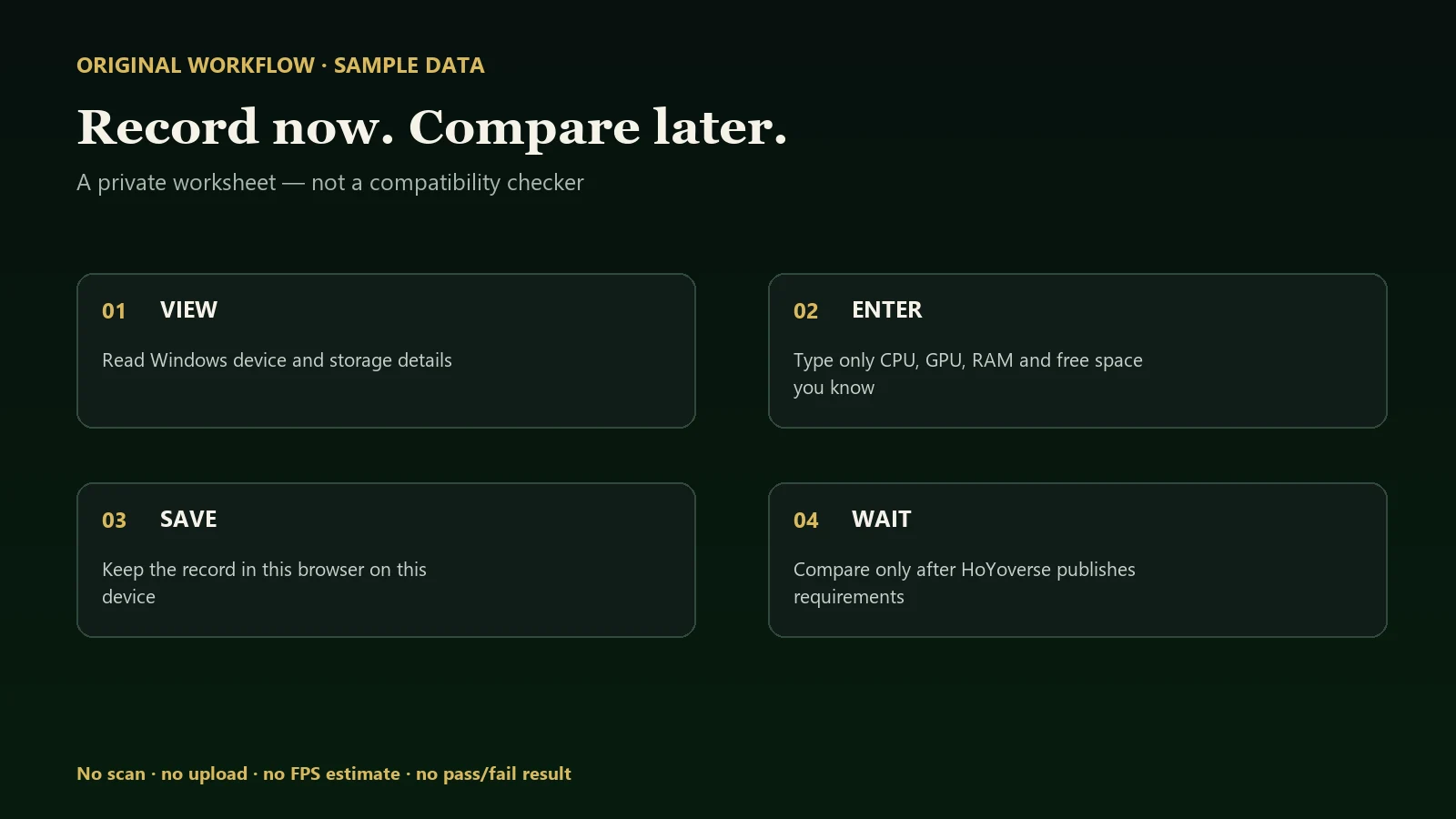
This 40-second silent demonstration uses fictional sample values. Captions describe the on-screen steps; they are not a transcript of spoken audio.
Sources and evidence notes
- Microsoft Support: Find information about your Windows device — operating-system, processor and installed-memory lookup. This is an operating instruction, not a Nodusfall requirement.
- Official Nodusfall website — official project destination. No public minimum/recommended PC table is represented by this tool.
Continue to the official registration guide for access boundaries, or return to system requirements status for the evidence ledger.